See what's happening.
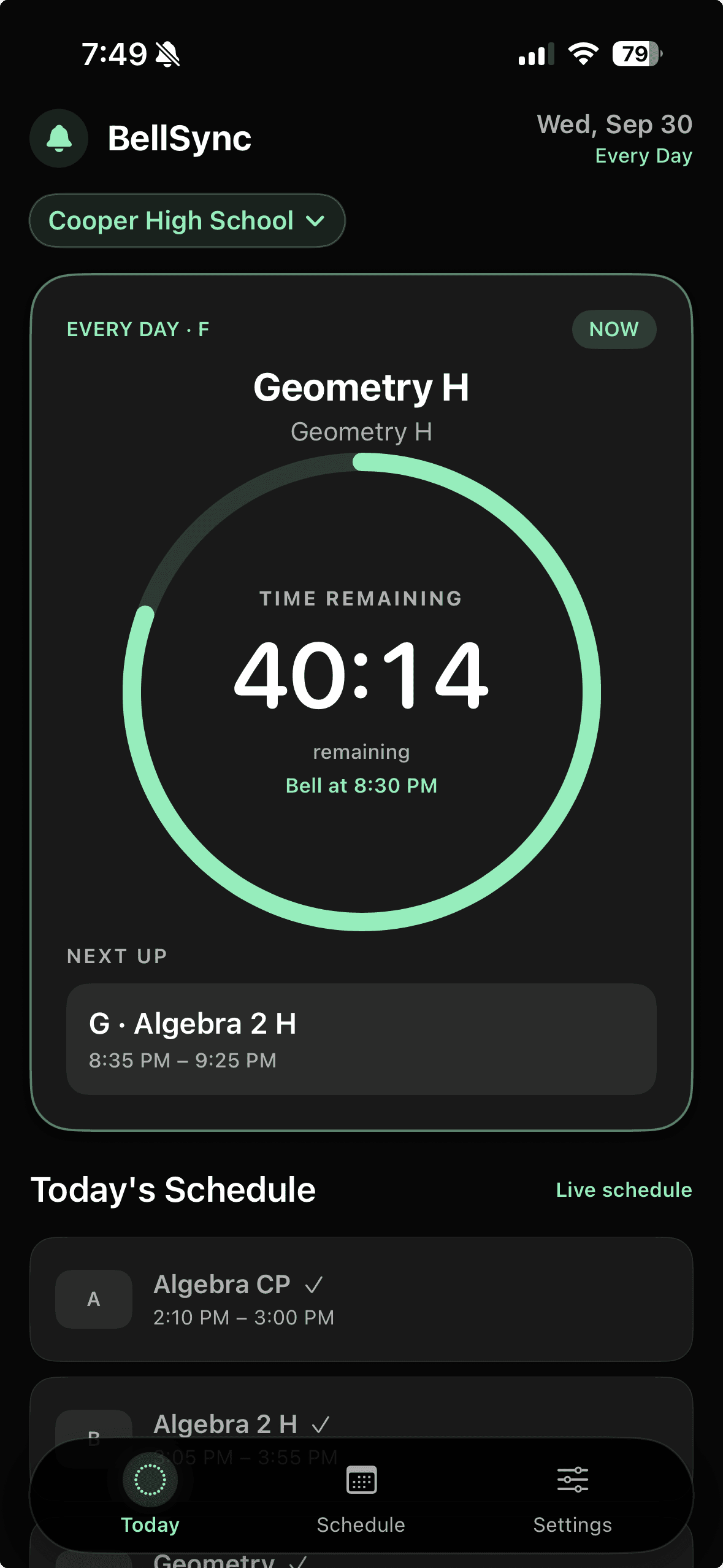
Find your current class, the next activity, room details, and time until the bell in one clear view.
Know when the next bell rings, follow rotating schedules, and keep classroom activities on track. From your phone, wrist, or classroom display.
 For iPhone and iPad · Apple Watch companion
On your phone, on your wrist, and in your classroom browser.
BellSync makes the schedule easier to follow, whether you're between classes or leading one.
Find your current class, the next activity, room details, and time until the bell in one clear view.
Keep up with rotating days, lunch selections, early releases, and other special schedule days.
Use Classroom View for lesson agendas, activity timers, and optional chimes on a classroom display.
Open BellSync in a browser on your laptop or classroom screen. Choose the view that fits the moment.
Keep the current block, countdown, next bell, and daily schedule in sight.
Create a lesson agenda with activities and durations. Follow each activity with a timer, pause or skip when plans change, and choose whether to hear transition chimes.
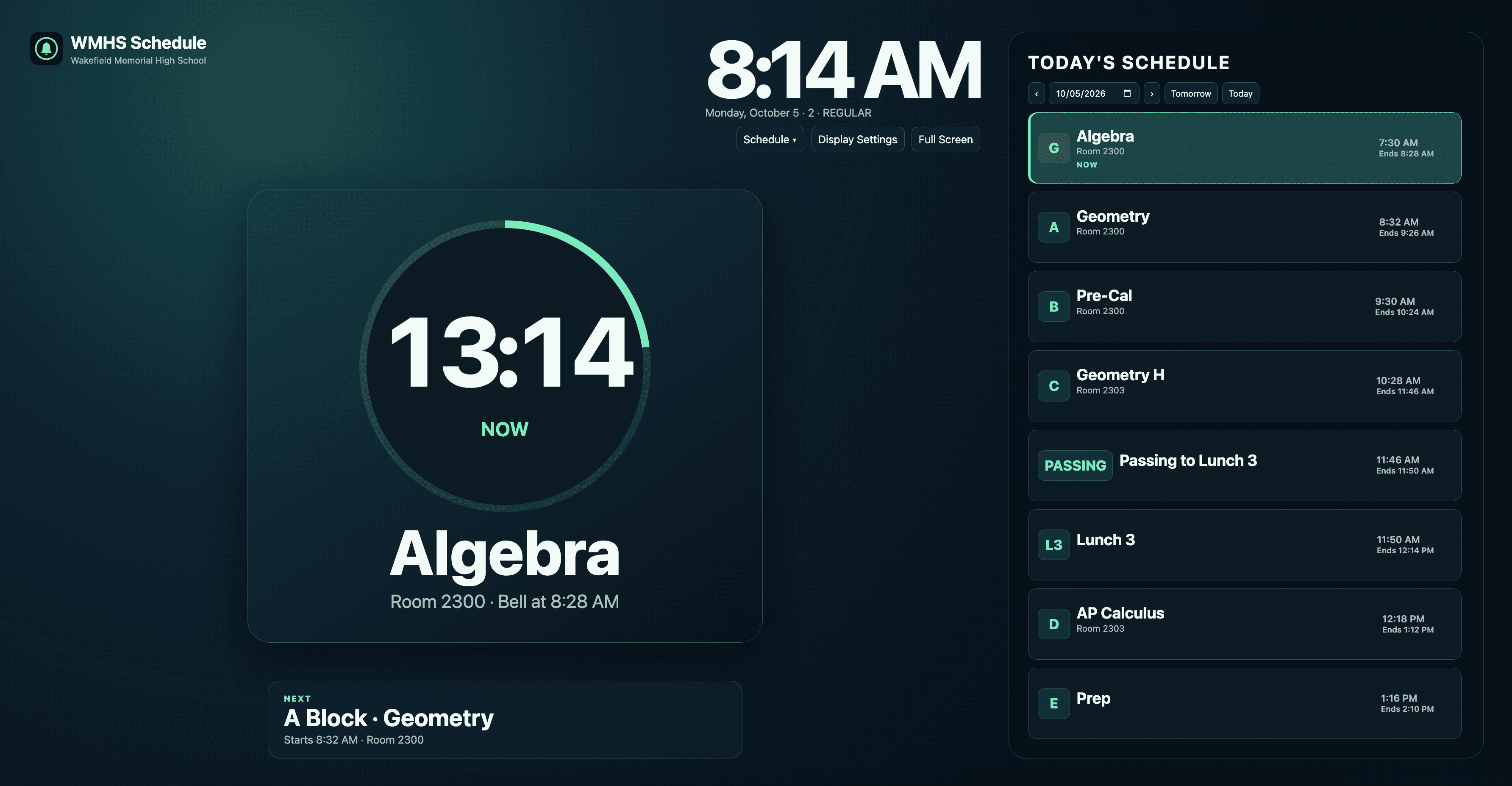
BellSync Web Display
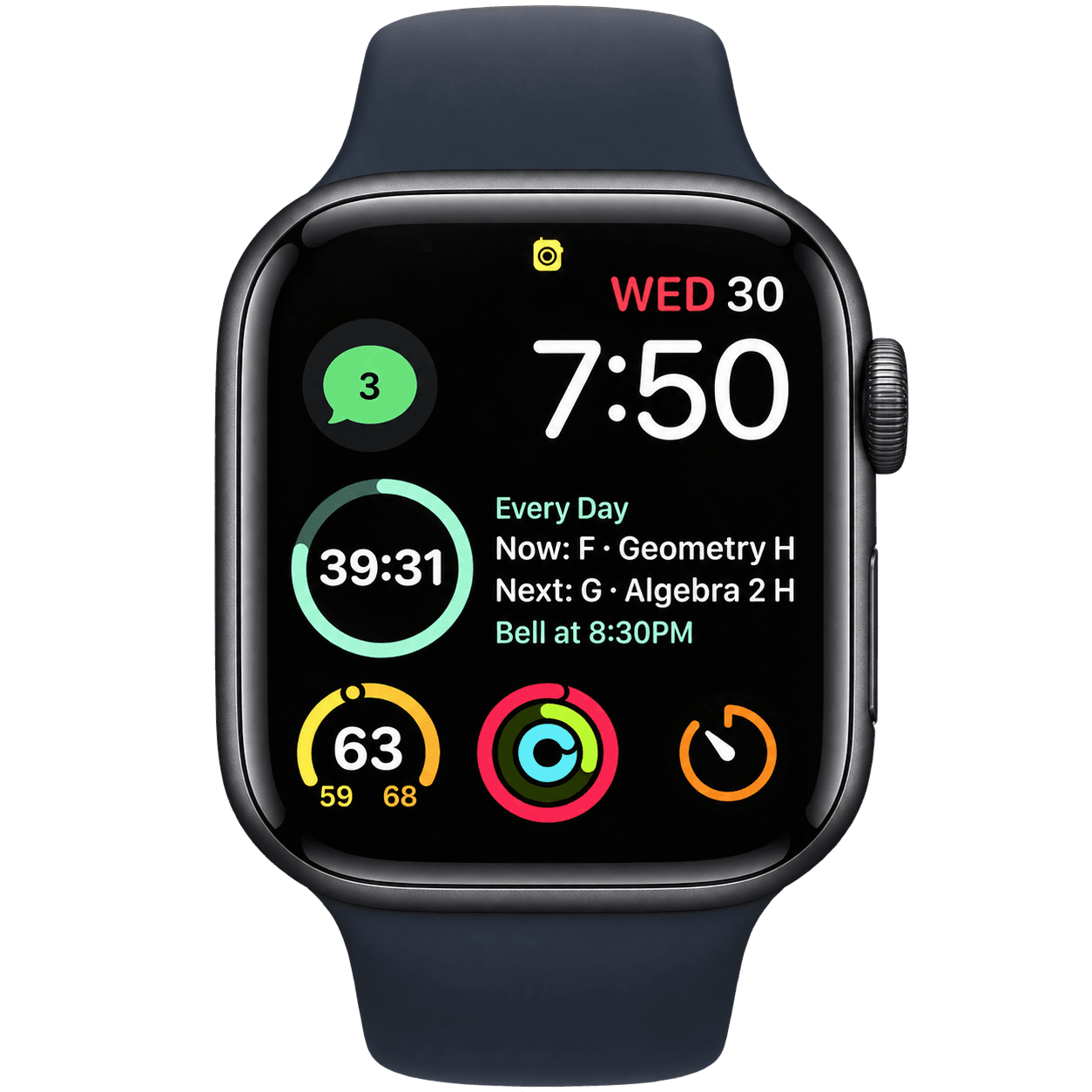
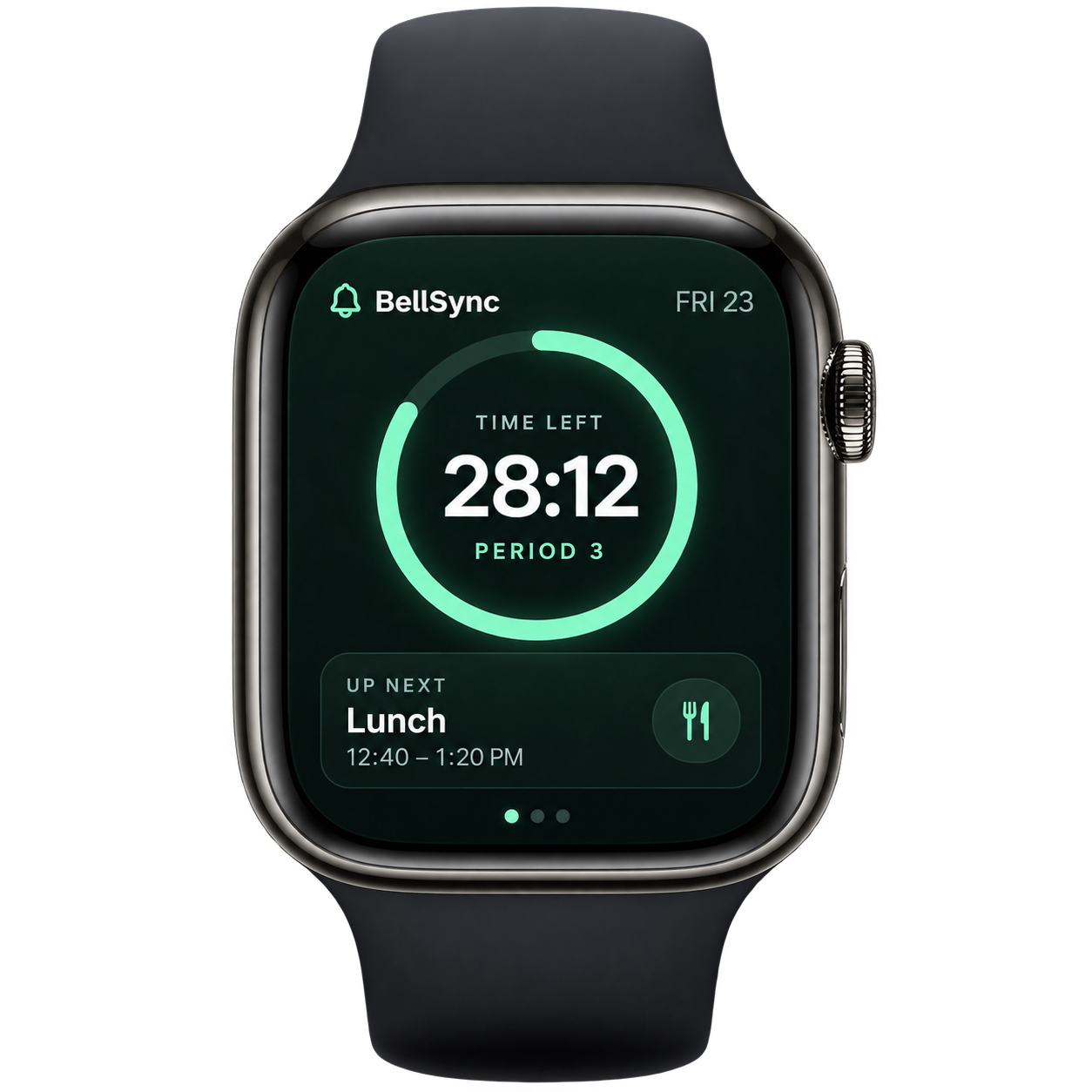
BellSync for Apple Watch keeps today's schedule, the current class, and time remaining close by. Use it with BellSync for iPhone.
Get BellSync on the App StoreExplore schools already featured on BellSync. We build supported schedules from accurate, current bell information.
Find My SchoolBellSync can present complex rotations, lunch choices, and special days in a clear daily view. Teachers can check the day on their devices or use a classroom display to pace activities.
Technology staff and administrators can share the current bell schedule through the existing school request process.
Share your school's scheduleFind your school, or help us learn about its schedule. Every request is reviewed; adding a school depends on accurate, current bell information.